How to Set Up Fish For Brainrots
Open the Fish For Brainrots source, configure your own Roblox identifiers, and test the catch, sell and upgrade loop.
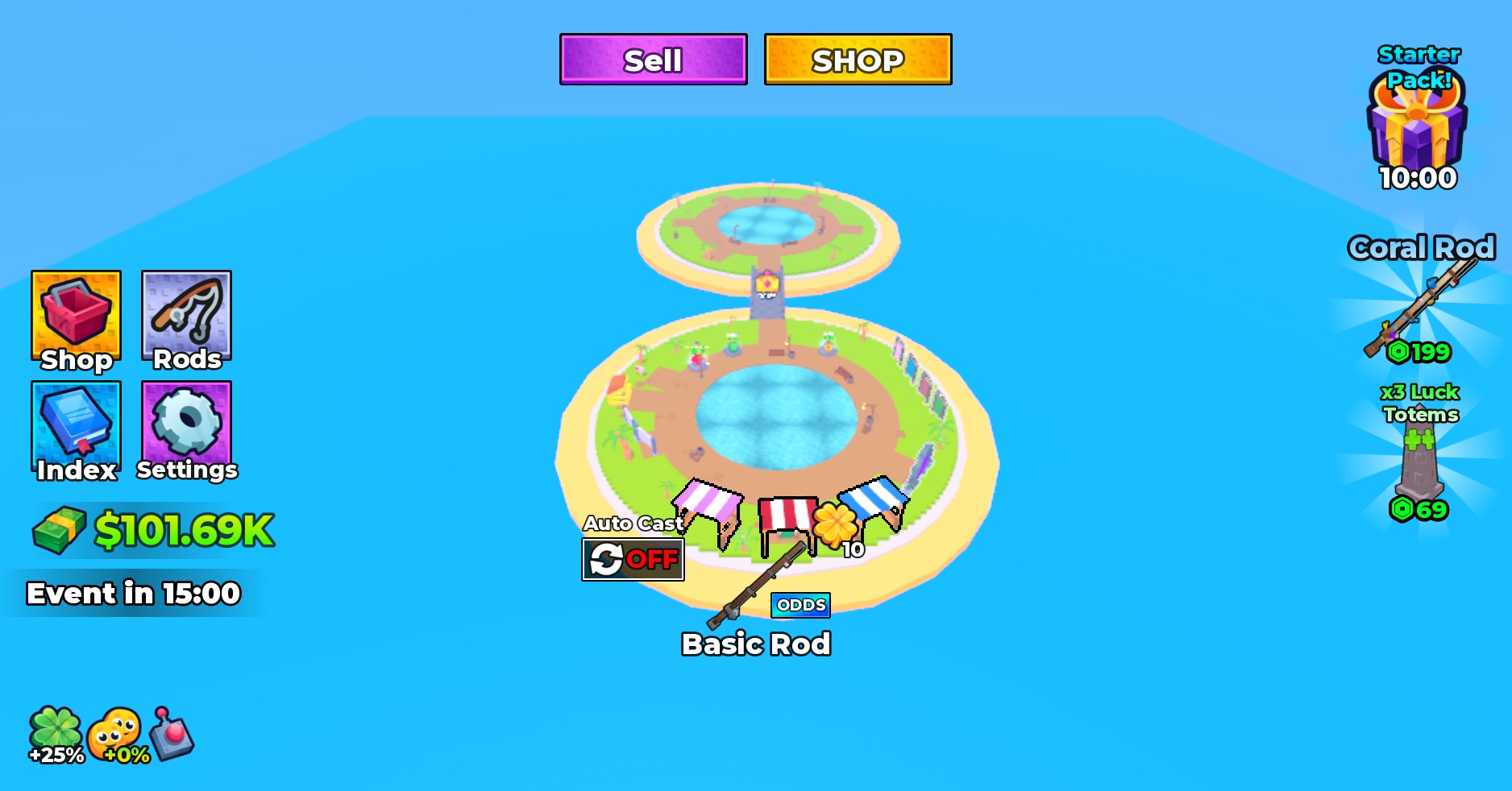
Start with a separate working copy
Download FishForBrainrots.rbxl and open it from File in Roblox Studio. Keep an untouched backup and publish your working copy to your own private test experience. This purchase provides source, not ownership of the original published game or its player data.
Locate the main systems
ServerScriptService.FishForJunkServer contains the main gameplay, data, commerce, trading, weather, leaderboard and admin modules. ReplicatedStorage.Shared contains shared code and data, and StarterGui.MainUI contains the interface. Some internal names still refer to FishForJunk; locate their references before renaming them.
Configure your own experience
Review product and pass IDs, group rewards, teleport destinations, leaderboard settings and AdminSystem.Config. Replace identifiers with your own and remove access rules that should not apply to your version. Check your rights and permissions for the referenced images, meshes, audio and animations.
Use a separate test experience for data-store testing. Review the data-store names and persistence settings before enabling Studio API access. Never point destructive tests at live player data.
Test one complete player session
Start a local test and verify equipping a rod, catching a Brainrot, seeing it in inventory, selling it and buying an upgrade. Check boosts, collection UI and the tutorial. Then verify save-and-rejoin behavior in your private test experience.
Test trading with separate clients, including cancellation and disconnects. Review server and client Output, and repeat essential controls on mobile. Purchase prompts and images do not prove that your own product IDs or assets are ready; check fulfillment and permissions before release.
The project is an editable development foundation. Configuration, asset access and testing are required for your own release.
Verify your changes against a working baseline
The catch-and-sell loop, rod upgrades and multiplayer trading. Start with the original download, then repeat these checks after each edit. Keep the test experience separate from live player data.
- Catch a Brainrot, inspect the inventory, sell it and confirm the resulting currency.
- Buy a rod upgrade and verify the purchase affects the intended gameplay settings.
- Test a trade with two clients, including cancellation and a disconnect before completion.
When a test fails
If a catch or sale does not update the interface, compare the inventory and balance on the server with each client’s view. Record the last successful action before editing gameplay or data code.
Write down the downloaded filename, what you changed, the expected result, the actual result, and whether the issue happens on the server or a client. Include those details when asking for setup support.
Keep a repeatable checklist
Use the free Roblox launch checklist to keep track of setup, gameplay, data, and release checks. If you are still choosing a foundation, compare the four source templates before buying.
See the screenshots, included source, price, and setup expectations.
Official references
This is an editorial workflow, not an automatic audit or a claim that your changes have been tested. Check Roblox's current documentation for platform behavior and requirements.